Posted in Useful Information

Samsung Huge font and SwiftKey keyboard.

Another question… About how can I see the phone?

You can in a fashion, when your keyboard takes up most of the screen.

With glasses it isn’t clear but they do help for the moment.

I use the SwiftKey keyboard, as you can adjust it to make it as large as you want.

This is on full wack.

Used with Samsung Huge font, it helps me to read without glasses on. As I don’t always tend to take them out with me. So this set up is for me without glasses.

Without glasses, I have to squint quite a bit and tilt the phone around to see the keyboard and what I’m typing. It’s blurred and double vision is a problem.

Just so you can get an idea what it’s like at the moment.

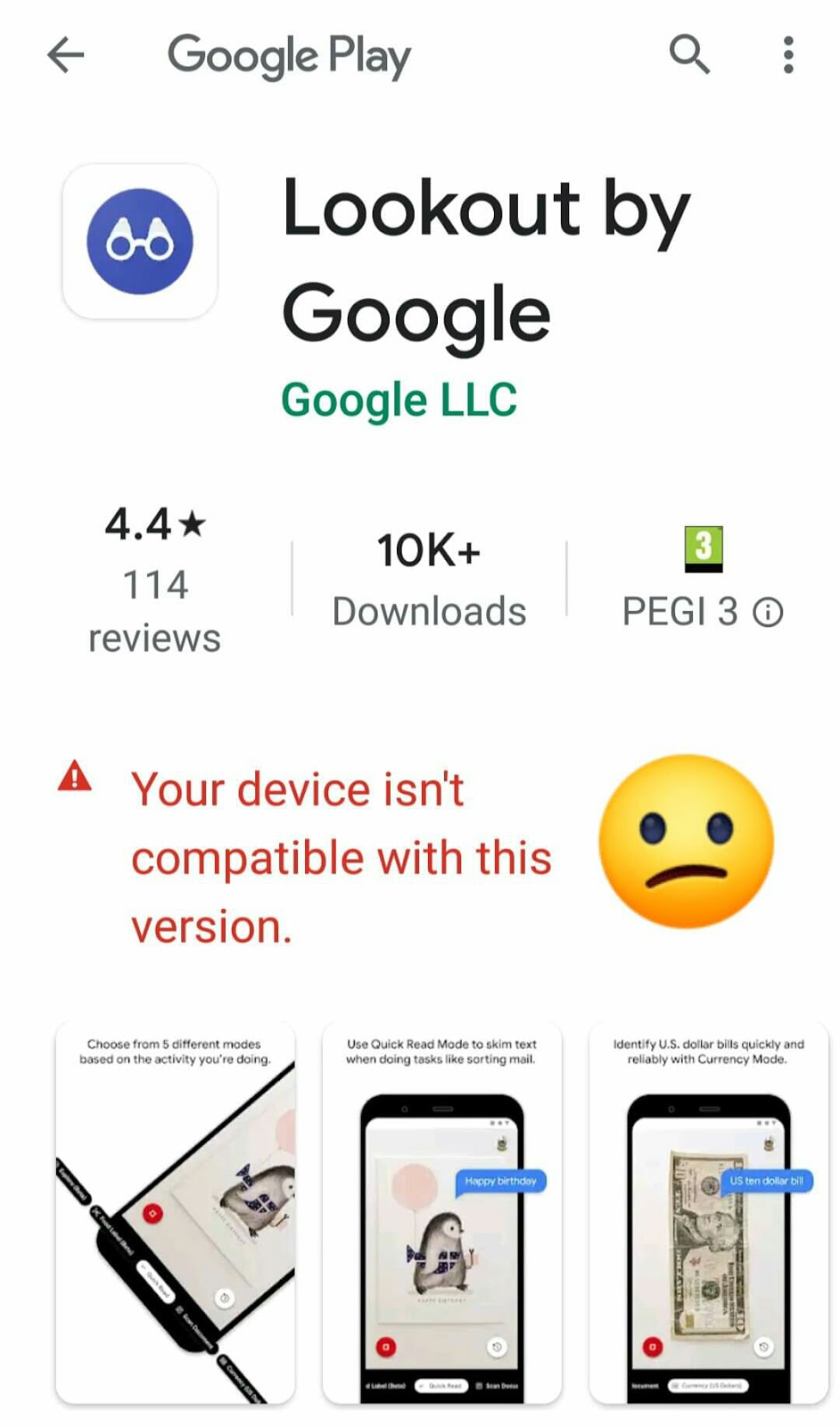
The first image is a screenshot of what I have set up for me on my phone. So that should be clear… Should be… I dunno ☺

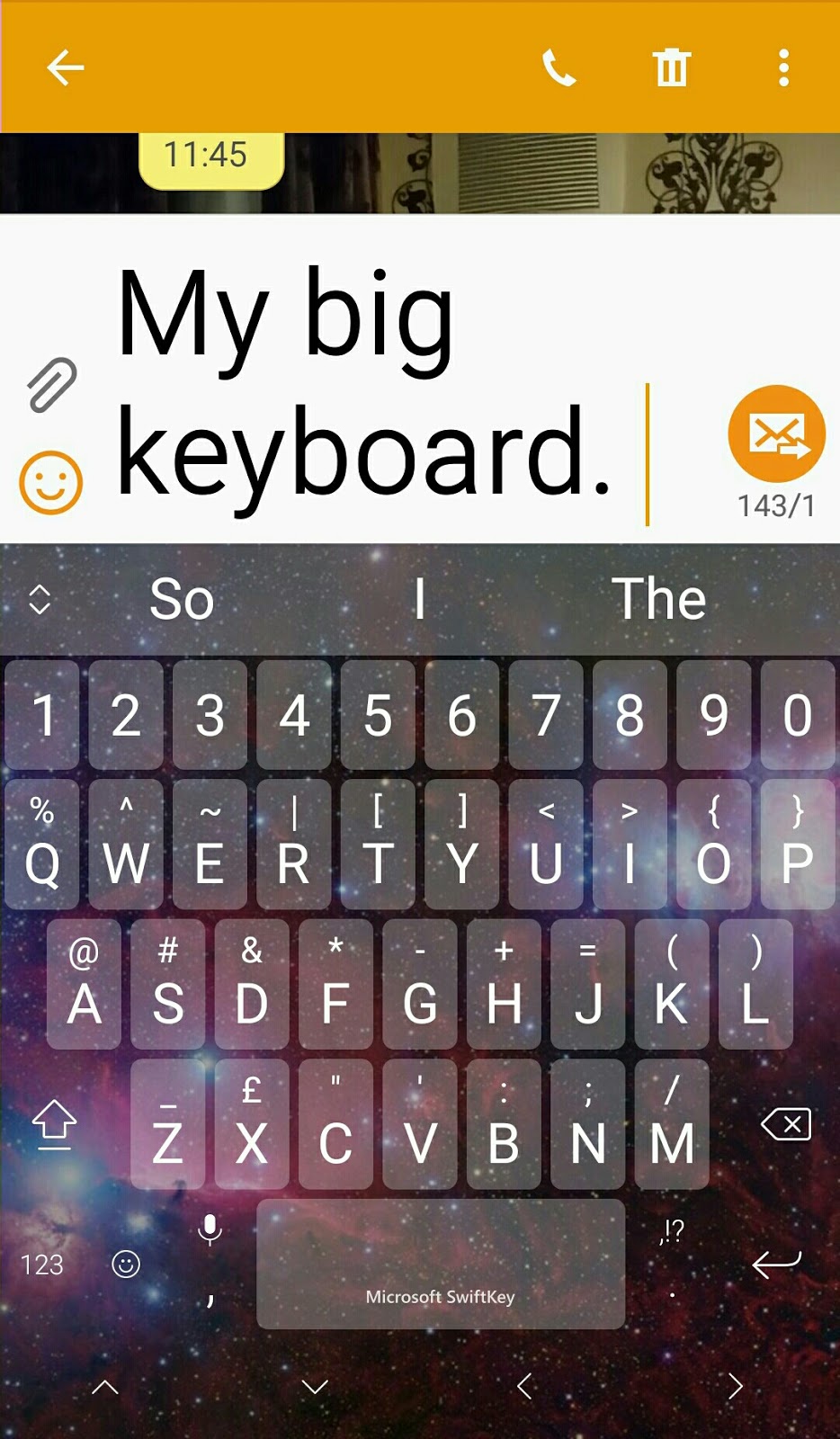
The second image is a representation, (as near as I can get it) of what it is like without glasses. Not allowing for any tiny blind spots that I have.

Now, I know this isn’t good, but it’s the best I can do for the moment with what I have. I get by.

This is why I guard my glasses like the holy grail itself. My favourite ‘thing’.

So, now you know why, (usually when I’m out) when I’m looking on my phone… It’s on my nose.
Posted in Useful Information

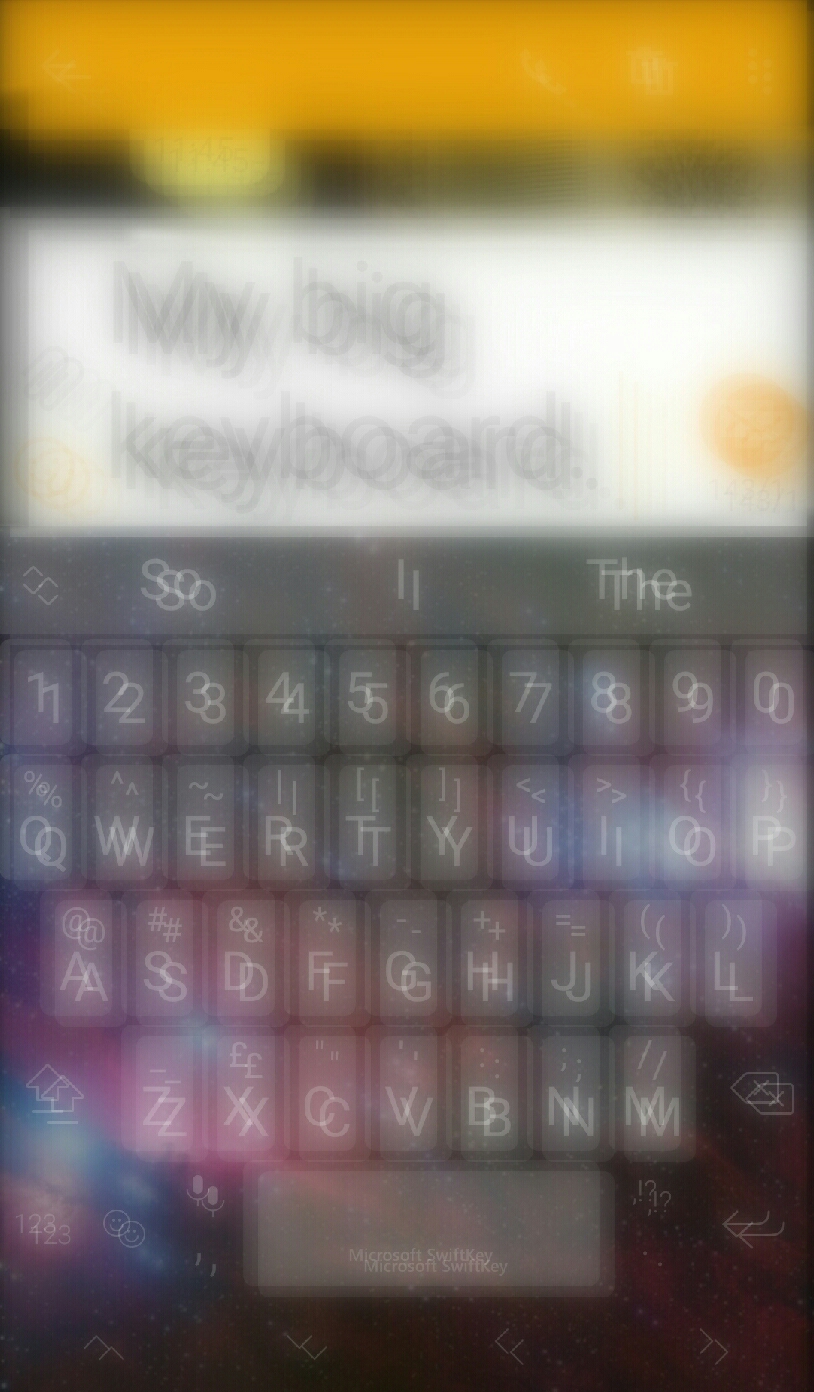
Lookout by Google play

Use Lookout to explore your surroundings
Lookout uses computer vision to provide information about your surroundings. Lookout uses the camera and sensors on your Android device to recognize objects and text, then tells you what it sees. Good for around the supermarket when you cannot read labels.
My phone won’t download as it’s from the days of Yore. But give it a go. Will be a lot less hassle than struggling ☺
Available from Google Play.
Please click on the link belows for more information.
Posted in How I'm Adapting, Useful Information

Helpful Technology

Other than getting larger phones, a speaking watch and a magnifying app on my phone (which I can’t find when I\’m out anyway… I really need another larger phone. They keep having to get bigger).

I haven’t ventured into the screen reader, magnifier, technology world.
I’m going to have to take out a magnifying keyring out. Which I have already.
I want to use my own eyes for as long as possible.
Yes, that does make my life more difficult. But I think I will have plenty of time to be using those things in the future.
I’m proud of my little old eyes. The way they are hanging on in there. Trying their best.
I did a while back put the screen reader on my phone but found it all abit faffy at that time. You would also have to listen to messages with ear phones in. As you don\’t want everyone to hear. Especially some of the things my friends come out with 😂
A screen reader device would be very useful, especially in shops, but I just know I won’t use that yet. I would leave it in my bag. Even though I know I’m ready for one now.
I\’m sure that time will come, like anything else, that I will use one instead of bumbling around picking up the wrong jars, guessing what something is or just plain going for what is familiar. Having steam coming out of my ears because it\’s so frustrating and putting something back and doing without.
I’ve done it today with foundation. My sister read it (it’s OK covid fans… She’s in my social bubble now) out to me but I can’t see the colour I’m running out of here, so will have to pop my magnifying app on to read it on my phone. Then maybe order it online.
Bit daft to not take a magnifier out, but it’s all part of the still hiding some areas of this condition.
One of the things that I do have, and was kindly bought for me, is an atomic speaking watch. One button tells me the date and the other, the time. It’s really good as I can’t see watch faces clearly.
The watch is from the RNIB website.
There is a link below, if anyone wants more information on useful bits of kit ☺