Posted in Useful Information

Macular Society Newsletter

Sign up for the Macular Society Newsletter. It’s free.
There maybe some useful information for you. It was to me.

Posted in Useful Information

Protecting your eyes from harmful light

Cartoon girl has sunglasses on while the bright sun shines around her. She has a sad face.
For everyone, continued exposure to light over time could lead to damaged retinal cells.

So everyone needs to wear protection from blue light, UVA and UVB. Even on cloudy days these rays are still going strong.

This can cause more damage to my already vulnerable macular and cone and rod cells.

Blue light is emitted from the sun, its all around us, including fluorescent and LED lighting and flat-screen televisions.
Most notably, the display screens of computers, electronic notebooks, smartphones and other digital devices emit significant amounts of blue light.
So, if you protect your eyes from all these elements as much as you can by less screen time, rests between working on a computer and wearing sunglasses with 100% UV protection and ideally a blue light blocker too. It will go some way to save your sight and mine too.
There are blue light blocking apps for your devices.
Pop one your phone to save your eyes from damage or eye strain. I have one from the Google play store. There are many eye conditions that you can be diagnosed with when older due to light damage. Even if your eyes are healthy now.

So, get your sunglasses on and a blue light filter.

Don’t take your eyesight for granted.

I did. Don’t now ☺

Phone screen showing the Google play screen for the blue light app
Posted in How I'm Adapting, Useful Information

Large font keyboard for mobiles

The keyboard I use for my phone and tablet is called SwiftKey.
You can make the pad larger so you can see the letters and numbers.

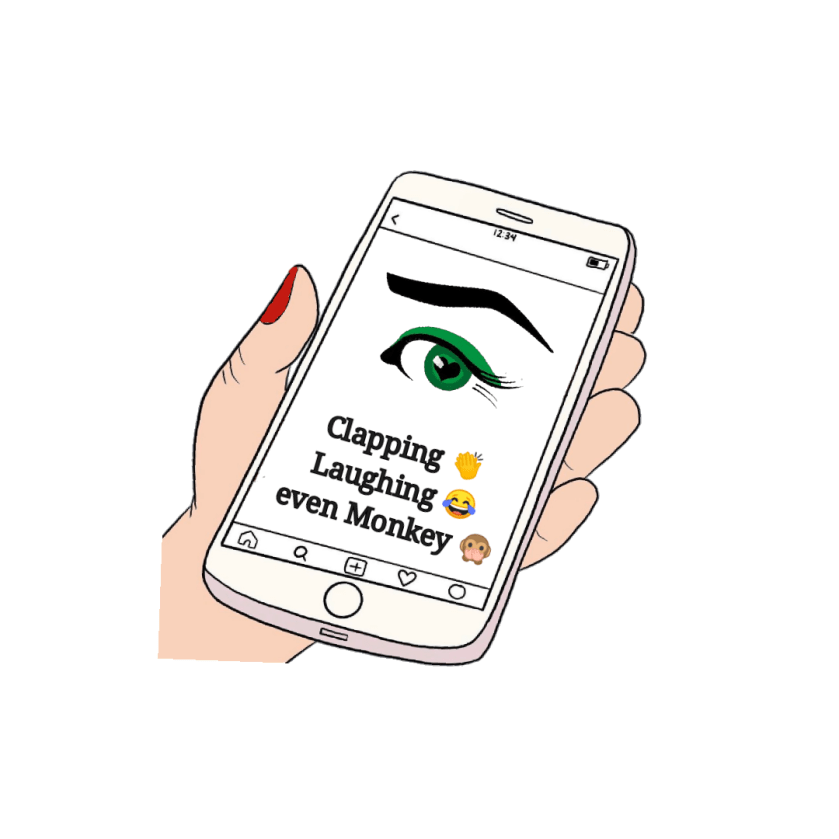
Also, you know those tiny blumming emojis and pictures? Well just type in a word of the emoji or picture you want to use ie… clapping 👏, laughing 😂, even monkey 🙊, and it will pop up on the right hand side of your keyboard if you have selected emoji predict.

Alot easier because you don’t want to be accidentally giving a smiley ☺ face or a thumb👍 up to a message or post that requires a sad 😔 face do you?